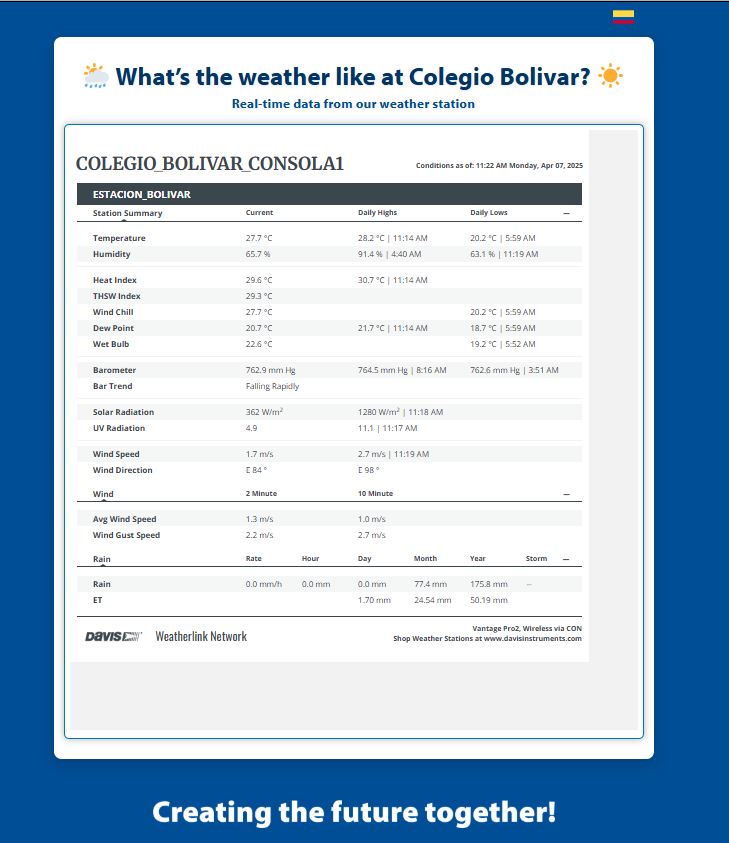
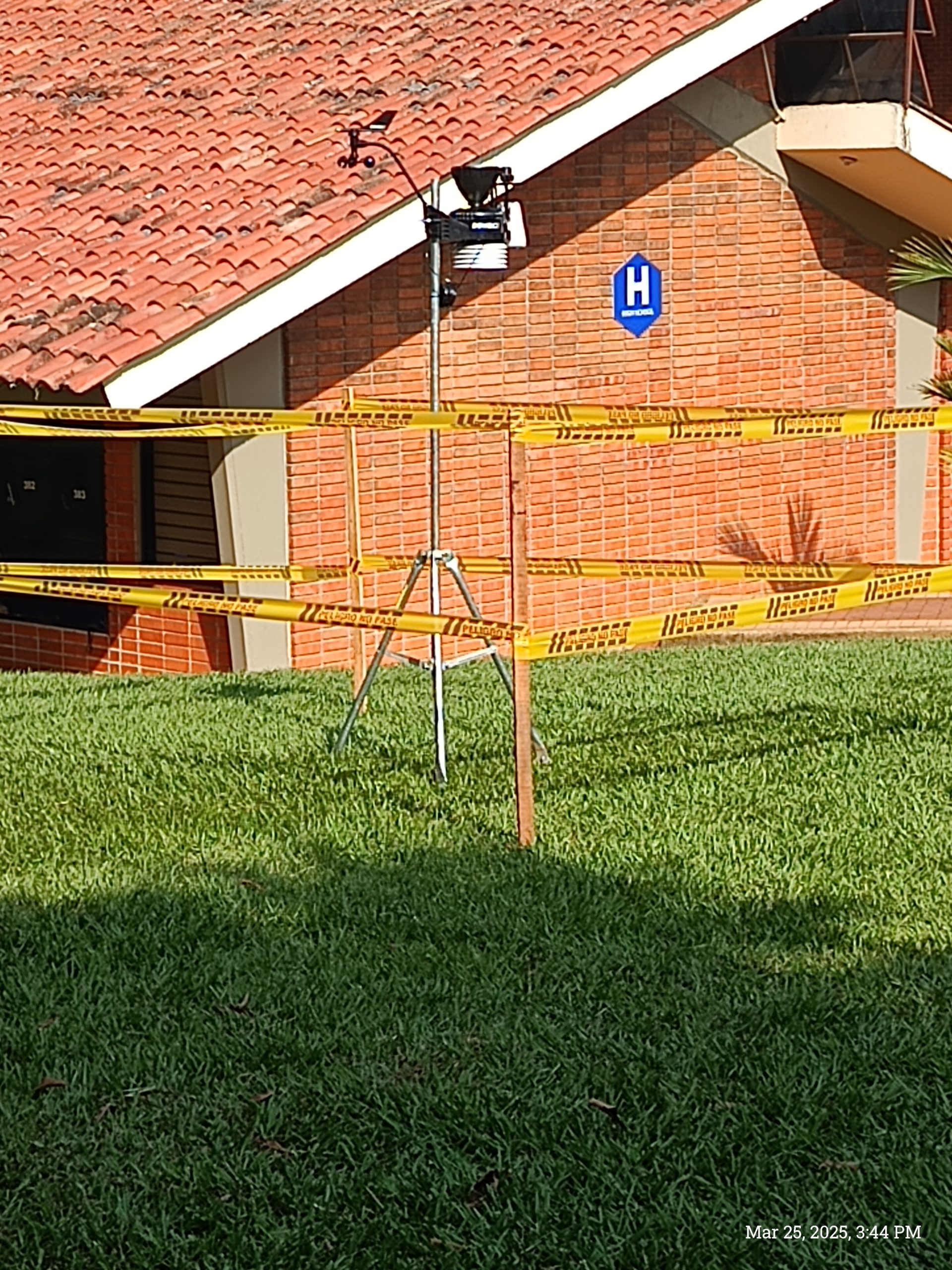
We now have a really expensive and highly technological piece of equipment at the school – our Davis Vantage Pro 2 Weather Station.
In this post I am going to inform you about the weather station, how you can get links directly to the data, and what this data actually means. If you have any further questions please do not hesitate to contact me, wwaliszewski@colegiobolivar.edu.co or Katie Neal kneal@colegiobolivar.edu.co for information.
The weather station records data on a number of climate indicators and updates them very regularly.
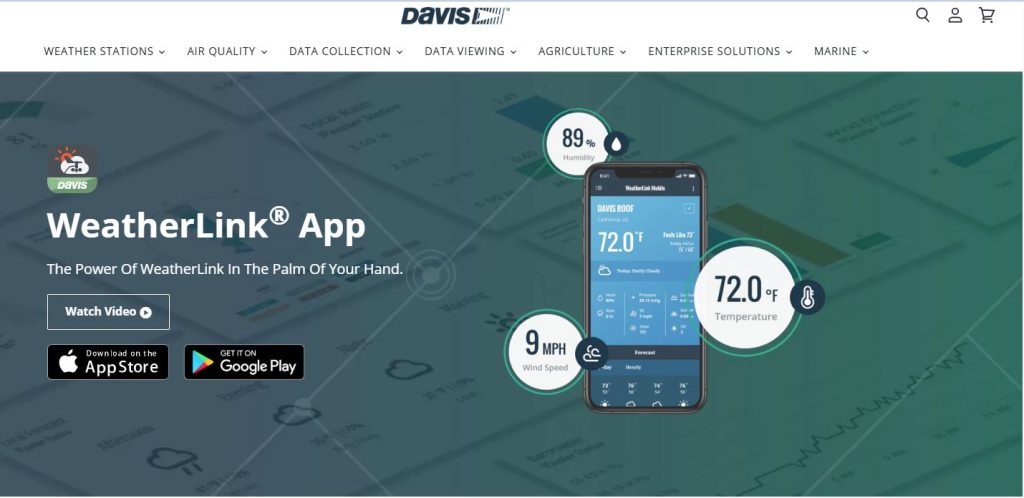
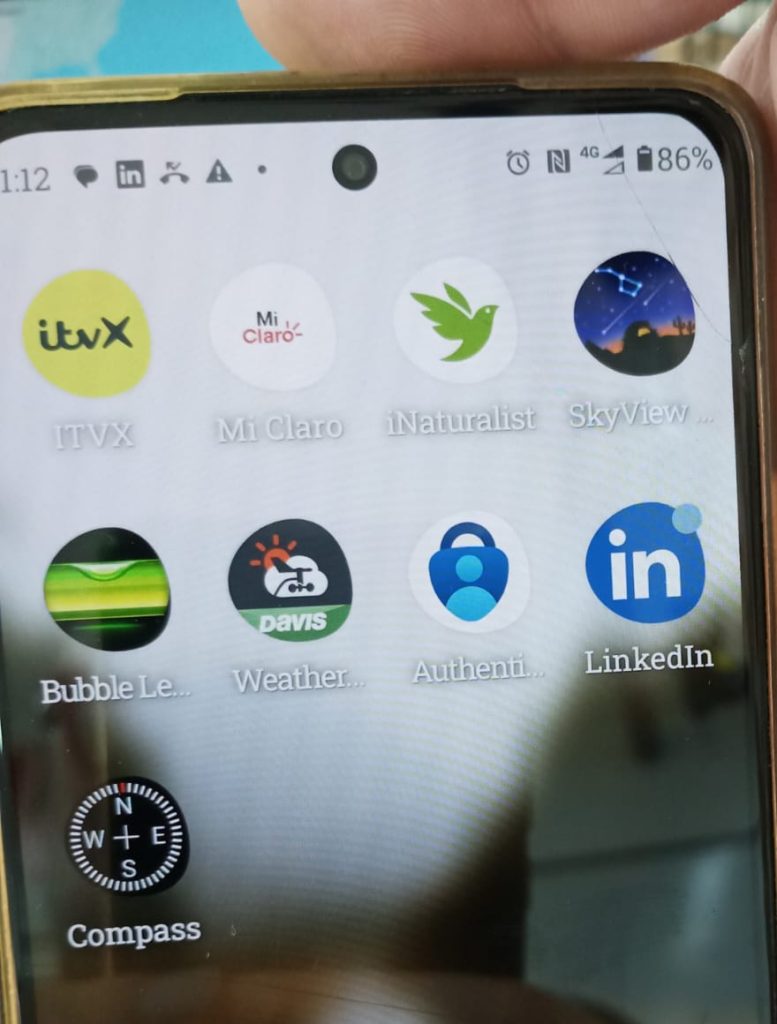
To access this information go to your AppStore and download the link to Davis Weatherlink App. Download this and make an account. Once this is done please login and then find Colegio Bolivar Consola 1. This will then give you data on our particular weather station.
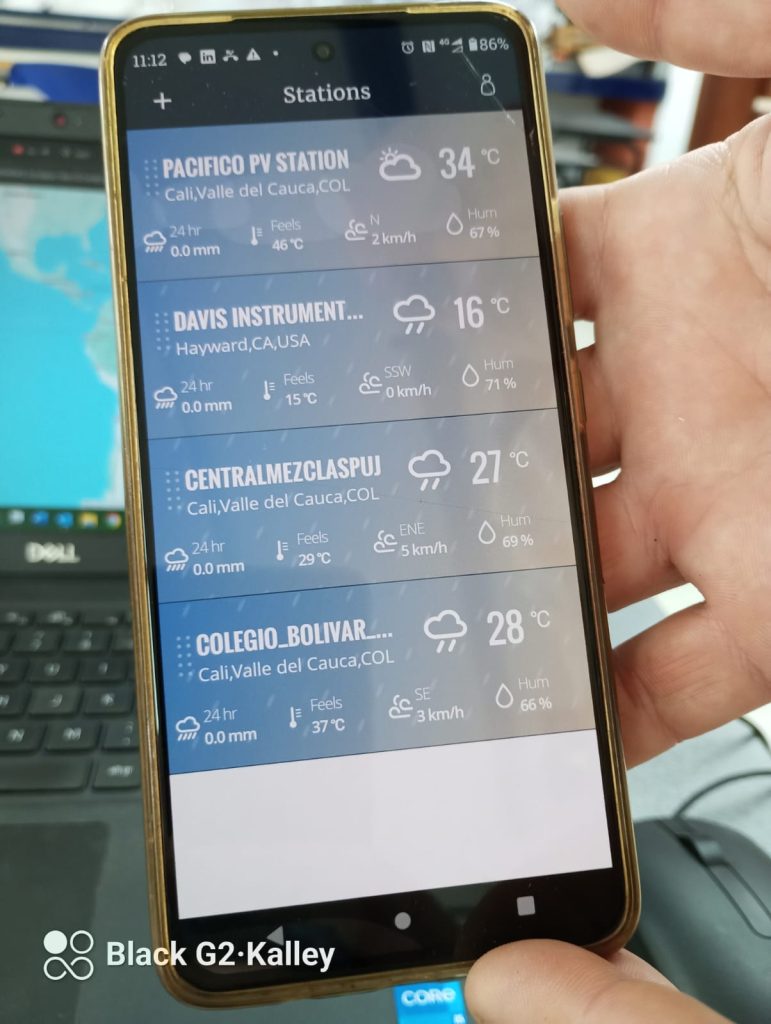
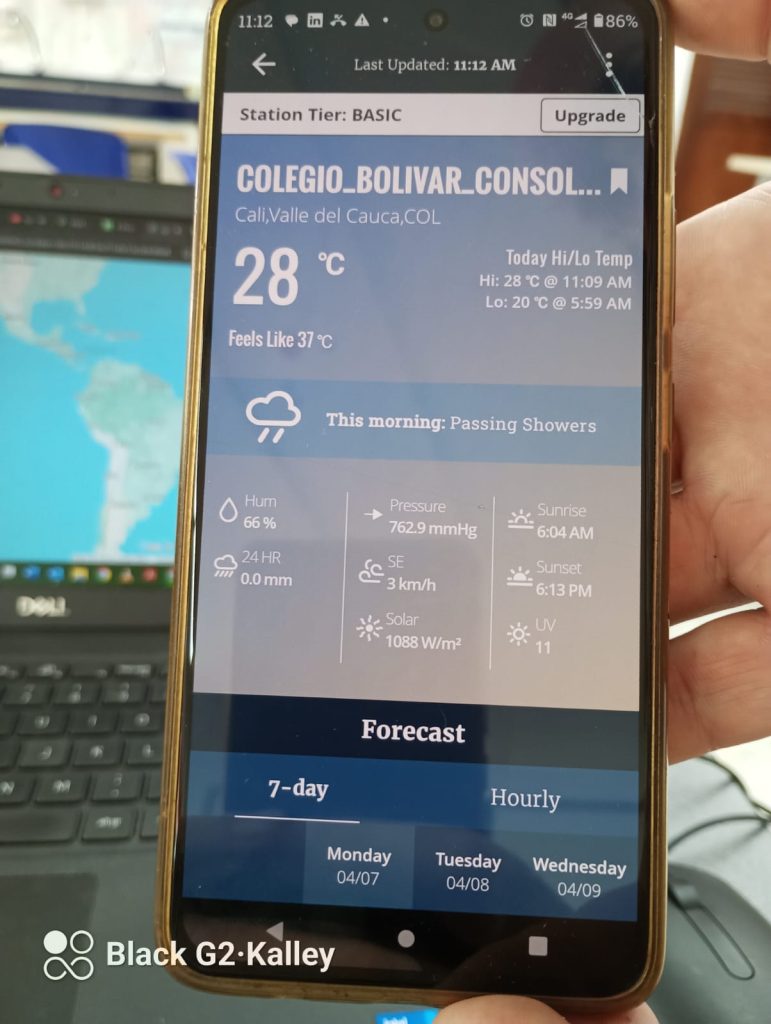
Alternatively, go to the school website and click on the “What´s the weather like at Colegio Bolivar?” to see realtime data.